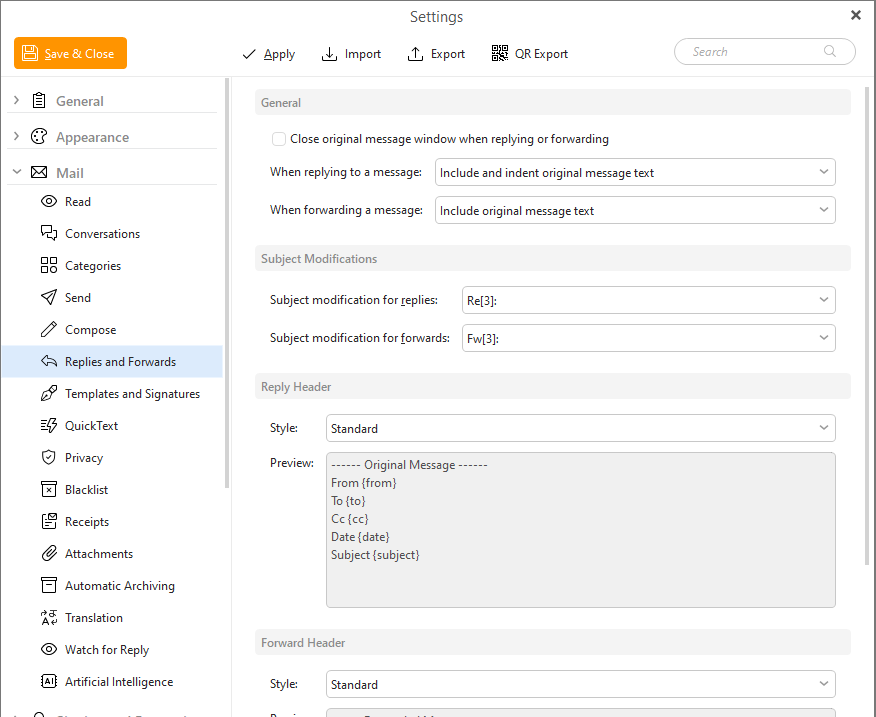
In this section you can adjust many preferences for your reply messages and forward messages.
This section is divided into four subsections: General, Subject modifications, Reply Header, Forward header.
Check/Un-Check Close original message window when replying or forwarding to Close/ leave the original message when you are replying or forwarding.
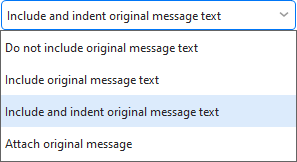
You can choose from various actions (see below) in When replying to a message section:
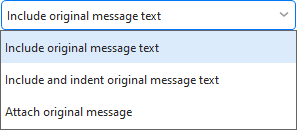
You can also choose from various actions (see below) in When forwarding a message section:
Here you can define the style to be used in the "Subject" field in replies and forwarded messages such as Re for replies and Fw for forwards.
Here you can choose the style of format for your reply headers (see below), there are these possibilities:
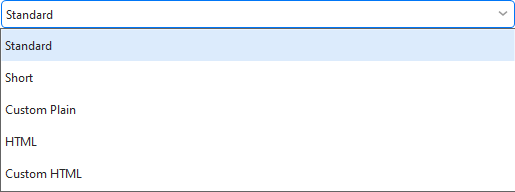
Here you can the style of the format for header when forwarding a message (see below), there are again these possibilities:
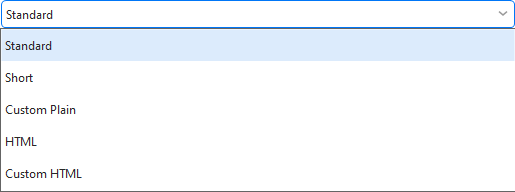
You can check the headers in the preview windows below the selector.